The neon veins of Night City pulsed with renewed life as Leo booted up Cyberpunk 2077 on a rainy evening in 2026. Three years had passed since the Phantom Liberty expansion and the transformative 2.0 update had reshaped the sprawl, yet the game’s appetite for computing power remained as voracious as ever. For returning edgerunners and fresh-faced mercs alike, the first checkpoint before diving into the chaos was not a firefight—it was the settings menu.
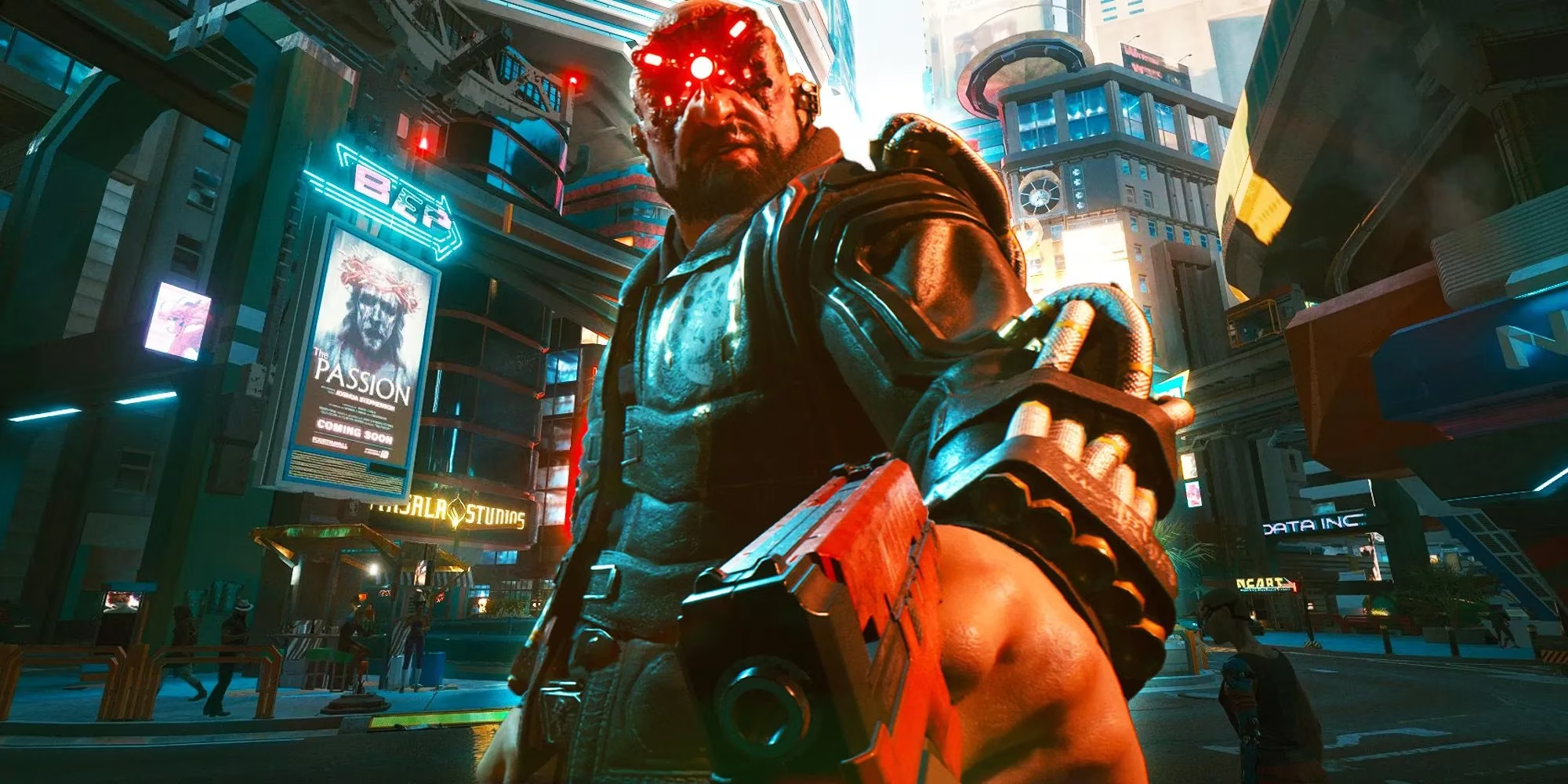
In the years since its rocky launch, Cyberpunk 2077 had undergone a metamorphosis worthy of a chrome-ripper’s clinic. The Phantom Liberty DLC arrived not just with a spy-thriller storyline but alongside a complete reworking of Attribute and Perk skill trees, making character builds feel like custom-crafted smart weapons. Enemy A.I., once as predictable as a scav’s aim, now flanked, took cover, and hacked with unsettling cunning. The result was a Night City that breathed with a newfound ferocity, but one that could choke even a well-oiled rig if the settings were left on autopilot.
The game’s visual leap since its 2020 debut was akin to swapping a scratched optical implant for bleeding-edge Kiroshi optics. However, this eye candy came with a tax. The minimum specifications, humble by 2026 standards, still formed the bedrock: an Intel Core i5-3570K or AMD FX-8310 processor, 8 GB of RAM, and an NVIDIA GeForce GTX 780 or AMD Radeon RX 470. While these components could run the game, they were like a rusty MaiMai trying to keep pace with a turbocharged Quadra—functional, but only with careful tuning.
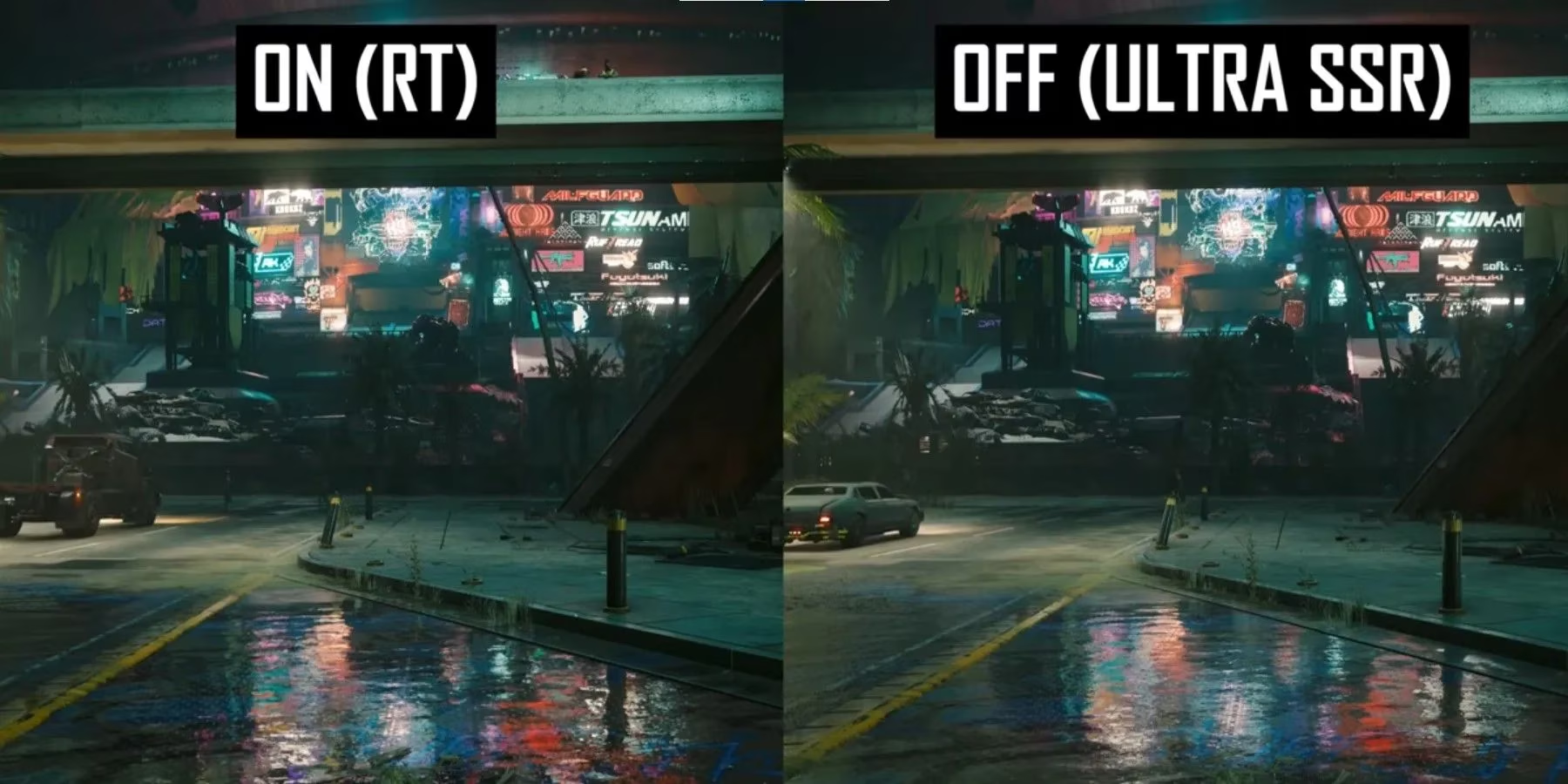
Much of the optimization magic was demystified by the meticulous breakdowns from creators like Hardware Unboxed, whose visual comparisons turned the arcane sliders of ray tracing, volumetric fog, and screen-space reflections into a navigable map. Their analysis became a lifeline for players like Leo, who saw their graphics card not as a monolithic engine but as a chorus of specialized components, each singing at a different pitch under load.
Fine-tuning the settings was less about flipping switches and more about conducting an orchestra of light and shadow. The first and most dramatic lever was ray tracing. Enabling full ray-traced lighting transformed rain-slicked streets into rivers of liquid neon, but it could also slice the frame rate like a monowire through synth-flesh. For mid-range systems, dropping to medium ray-traced reflections or disabling it entirely often turned a stuttering crawl into a buttery glide. Next, the Screen Space Reflections Quality setting acted like a double-edged blade; on High or Ultra, it sharpened every puddle and window into a mirror, but on Low it spared the GPU a significant computational flogging with only a minor fidelity loss.
Volumetric Fog Resolution was another silent frame-killer. High values wrapped the city in an atmospheric haze worthy of a noir holo, but Medium or Low values kept performance breathing freely, especially around the densely packed megabuildings of Kabuki. Equally sneaky was Cascaded Shadows Resolution, which governed the clarity of shadows stretching from towering corporate spires. Reducing it from High to Medium was like switching from a precision monofilament edge to a slightly softer blade—most players wouldn’t notice the difference in the heat of a shootout, but their frame counter would.
DLSS and FSR upscaling technologies had matured considerably by 2026. Setting DLSS to Balanced or Performance mode delivered a near-miraculous boost in fluidity, trading a whisper of sharpness for a torrent of frames. For GPUs that supported it, this felt like discovering a hidden overdrive button in an old cyberdeck. Meanwhile, the Level of Detail (LOD) slider demanded careful affection; cranking it to maximum populated the horizon with exhaust vents and antennae, but a moderate setting kept the render pipeline from drowning in unnecessary polygons.
Leo eventually settled on a configuration that felt like a perfectly balanced cybernetic limb—responsive, agile, and honest to the original vision. He switched ray tracing off to maintain 60 frames per second in combat, dialed screen-space reflections to Medium, dropped volumetric fog to Low, and let DLSS work its black magic. The result was a Night City that ran as smoothly as a corpo agent’s lie, yet still glowed with the menace and allure that made it a legend among digital playgrounds.
Adjusting these in-game dials was never just about chasing numbers. It was an intimate dance between art and engineering, a recalibration of one’s own expectations against the raw hardware humming inside the case—a process as personal as choosing which implant to slot into a limited neural interface. In 2026, Cyberpunk 2077 remained a demanding beast, but one that rewarded the curious and the patient. Armed with the right settings, every wanderer could vanish into the crowds of Corpo Plaza, unshackled from stutters, ready to carve a new legend.
Industry insights are provided by Newzoo, and they help frame why Cyberpunk 2077’s 2026 optimization conversation so often centers on stretching GPU headroom efficiently rather than simply maxing sliders. When you treat settings like ray tracing, volumetric fog, and reflections as “budget lines” competing for the same finite performance resources, it becomes easier to prioritize stability (consistent frame pacing, fewer spikes in dense districts) and then spend what’s left on the visual features you personally value—especially when upscalers like DLSS/FSR can shift that budget back in your favor.